


Copyright 2002-2013 Hamcrafters All Rights Reserved
WKUSB Assembly Pictures

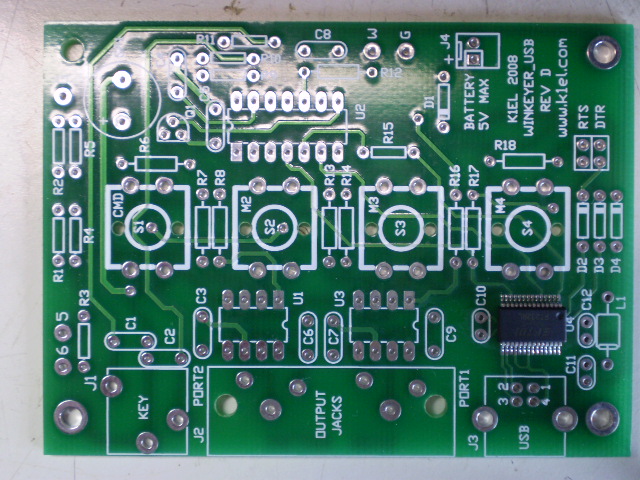
The board shown is REV D.
Bare PCB with USB Controller
Step 4 - Install Capacitors and Resistor Network
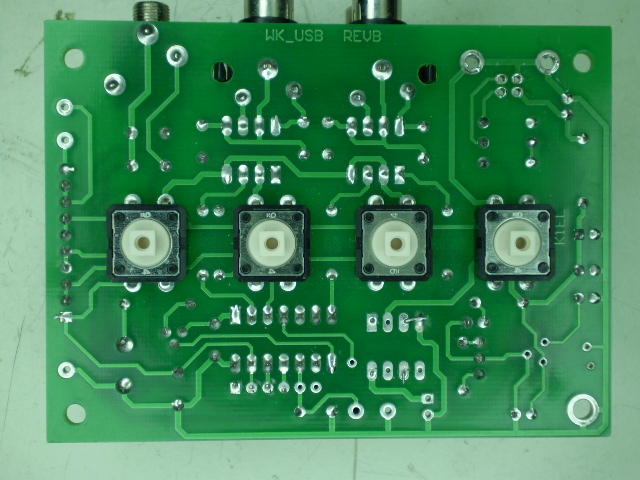
Pushbuttons go on back of PCB!! (Rev B board shown)
Step 6 - Install Voltage Regulator and Power Supply Leads
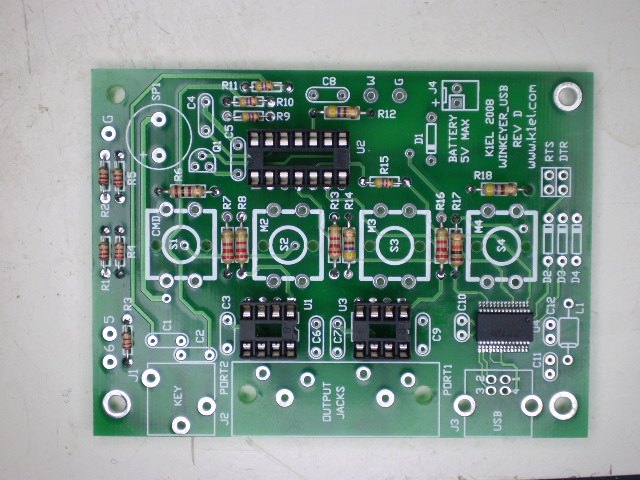
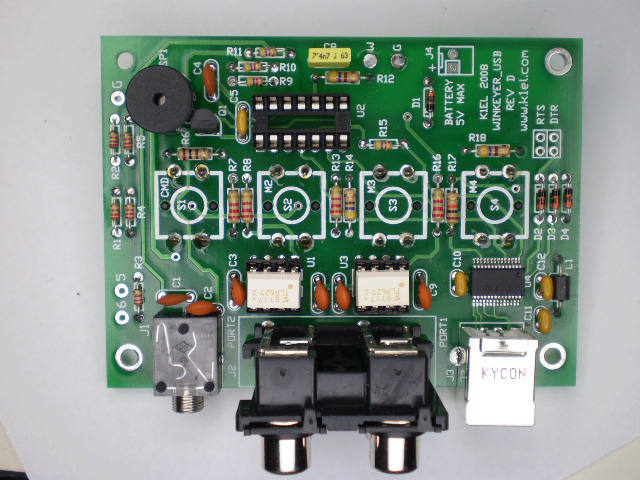
Resistors and Sockets Installed
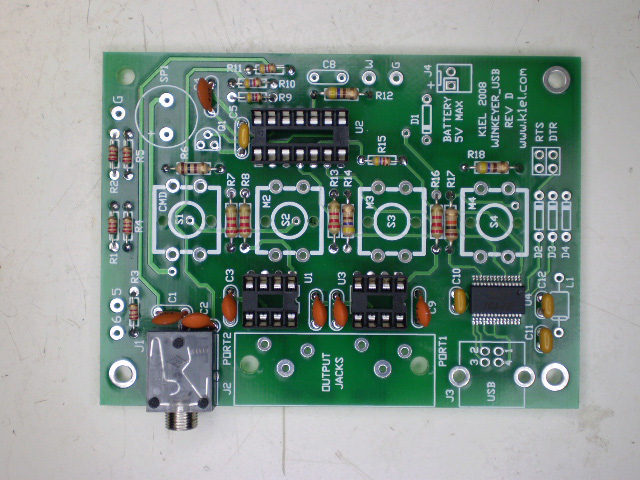
Capacitors Installed
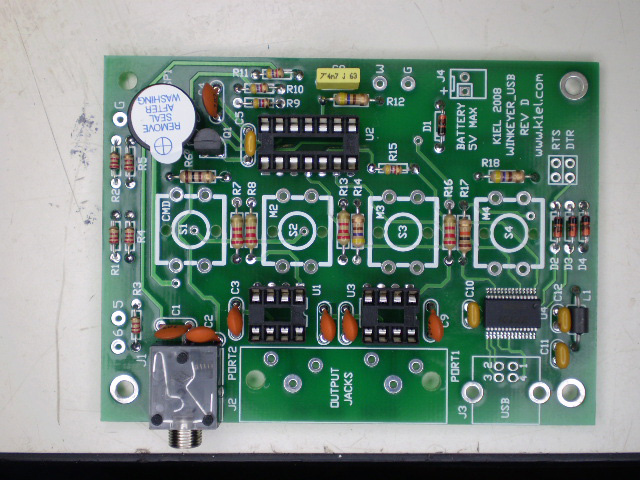
Install Speaker, paddle connector, C8, and Q1
All components mounted except WK2 I.C.


www.hamcrafters.com